Posting to TikTok while the review is on
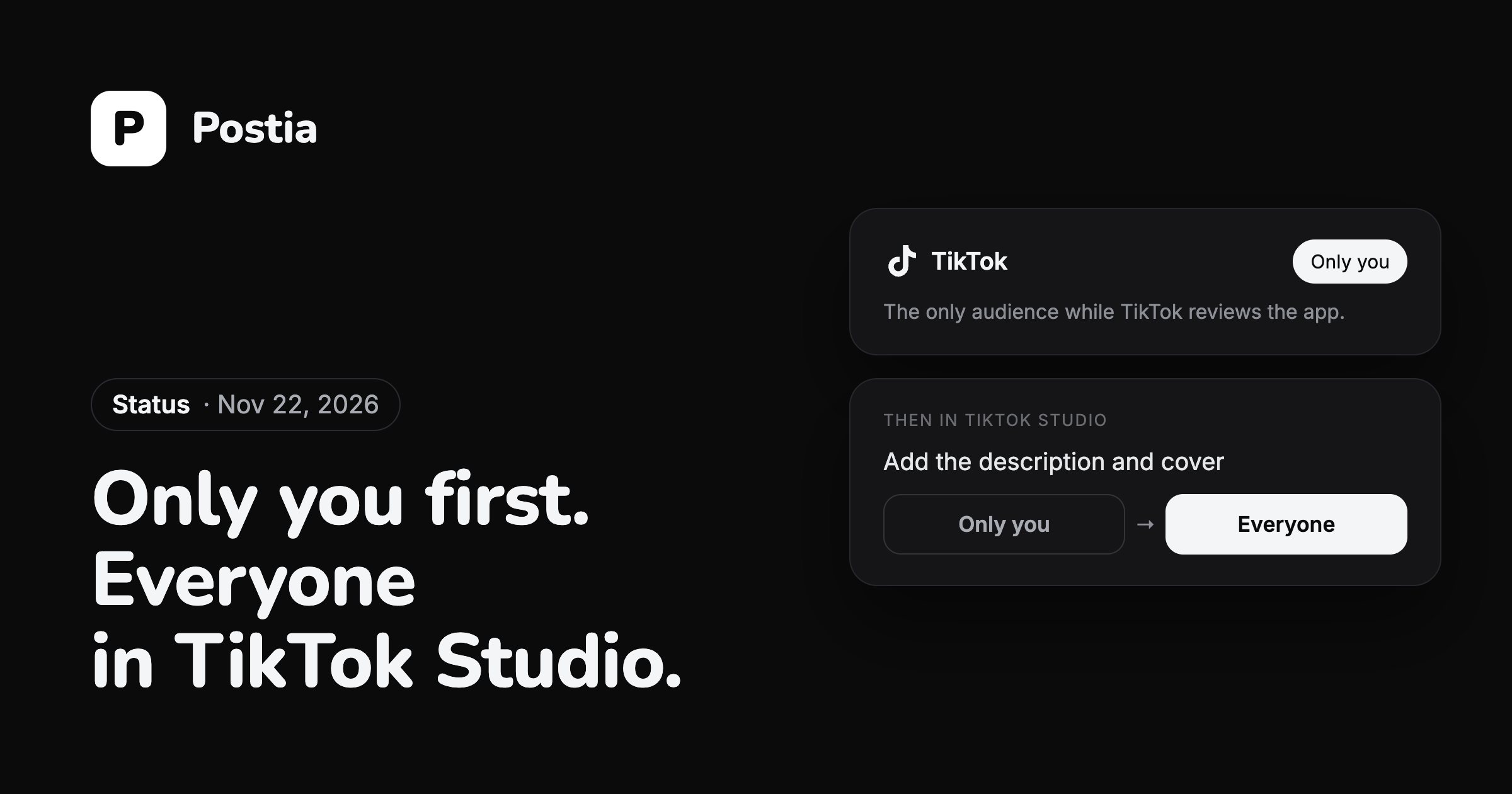
TikTok lets an app it has not reviewed yet post only with the audience set to Only you. So a video still gets from Postia to TikTok, and you make it public yourself in a few taps.
In Postia
- Write the post and attach the video as usual.
- Tick your TikTok channel and open its settings in the composer.
- Leave the audience on Only you. Until the review is over it is the only choice TikTok offers.
- Publish now or schedule it.
In TikTok
The video lands in your account as a private post that only you can see. You will find it in your drafts and in TikTok Studio.
- Open the video in TikTok Studio or in the TikTok app.
- Paste the description and pick the cover if they did not come through the way you wanted.
- Change who can watch it to Everyone and save.
From that moment the video is public, like one posted from the TikTok app.
When the review is over
Postia will offer every audience again, and videos will go out public straight away. Nothing changes in how you write or schedule a post.
The TikTok guide covers connecting an account and every TikTok setting.
Questions
Why does Postia only offer Only you for TikTok?
TikTok lets apps it has not reviewed yet publish only private videos. Postia is in that review now, so Only you is the one audience that works.
Where do I find the video after Postia sends it?
In your TikTok account as a private post: in your drafts and in TikTok Studio. Only you can see it until you change who can watch it.
How do I make the video public?
Open it in TikTok Studio or the TikTok app, add the description and cover if needed, and set who can watch it to Everyone.
More news
Team workspaces, roles and post approval
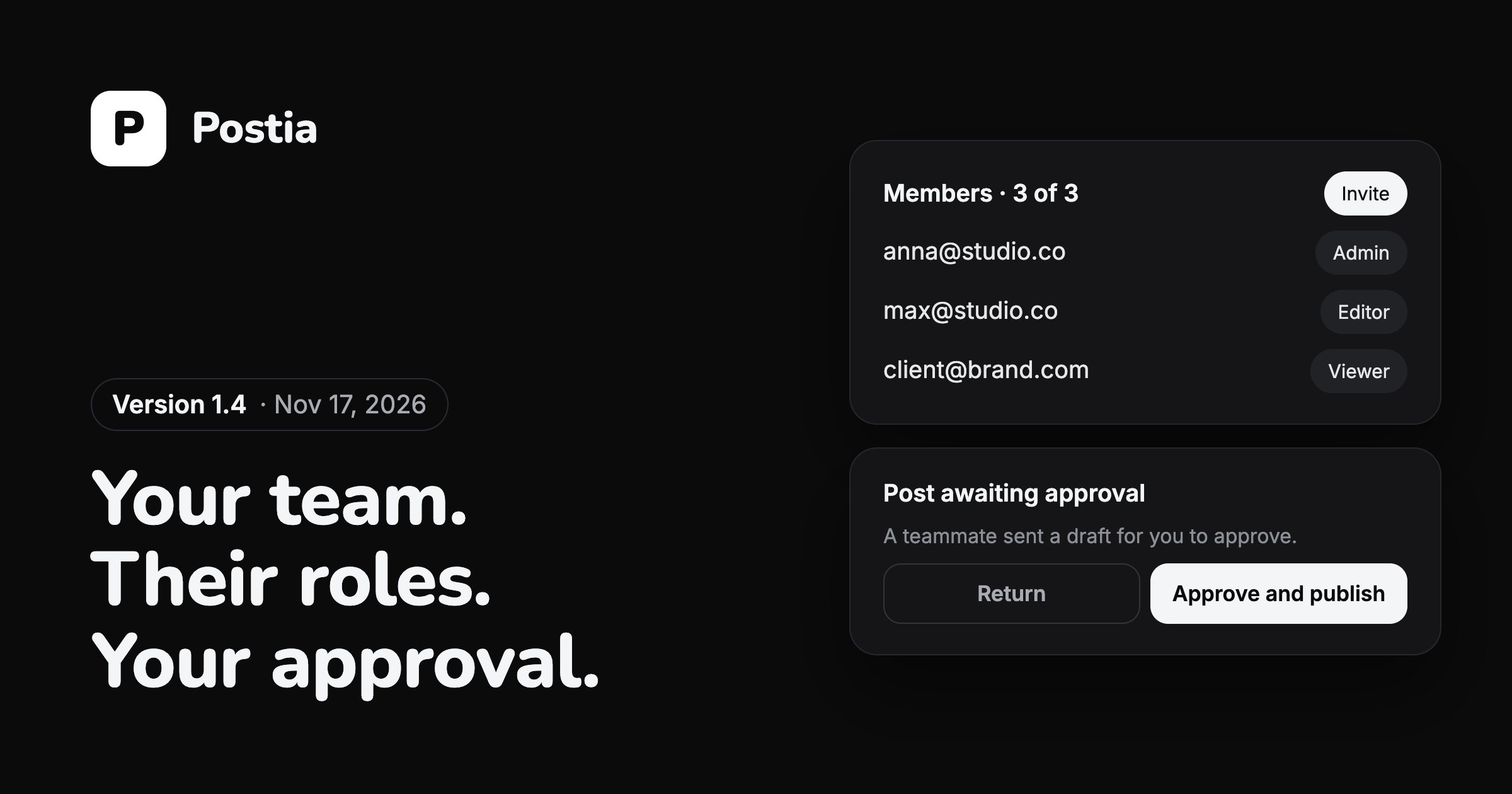
Version 1.4 lets several people run the same channels. The owner invites the team, gives each person a role and decides who sends posts out.
TikTok is paused while TikTok reviews Postia
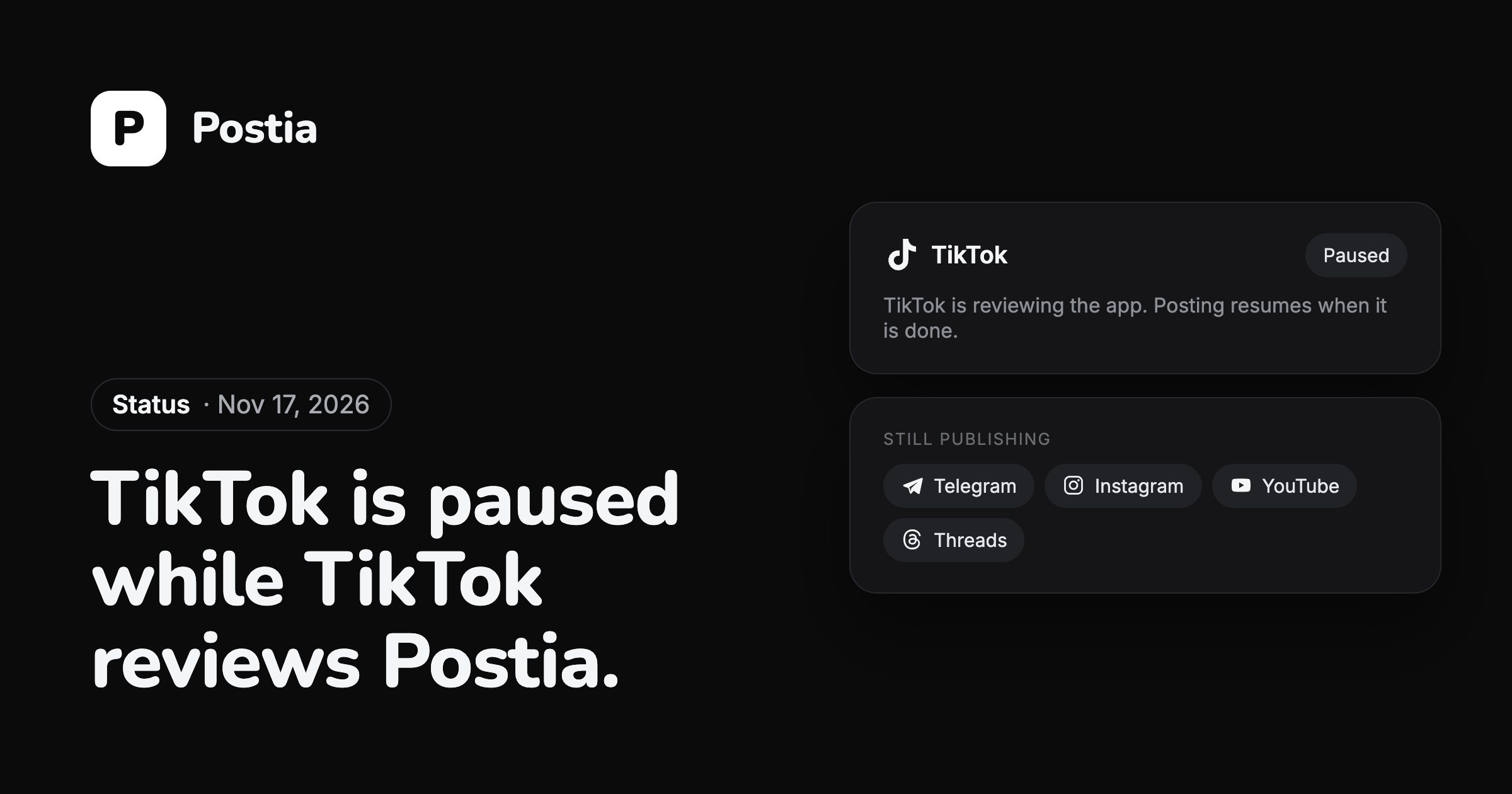
For now you cannot connect a TikTok account or publish to TikTok from Postia. TikTok is reviewing the app on its side, and the pause ends when that review is done.
A shorter first run, repeating posts and easier video covers
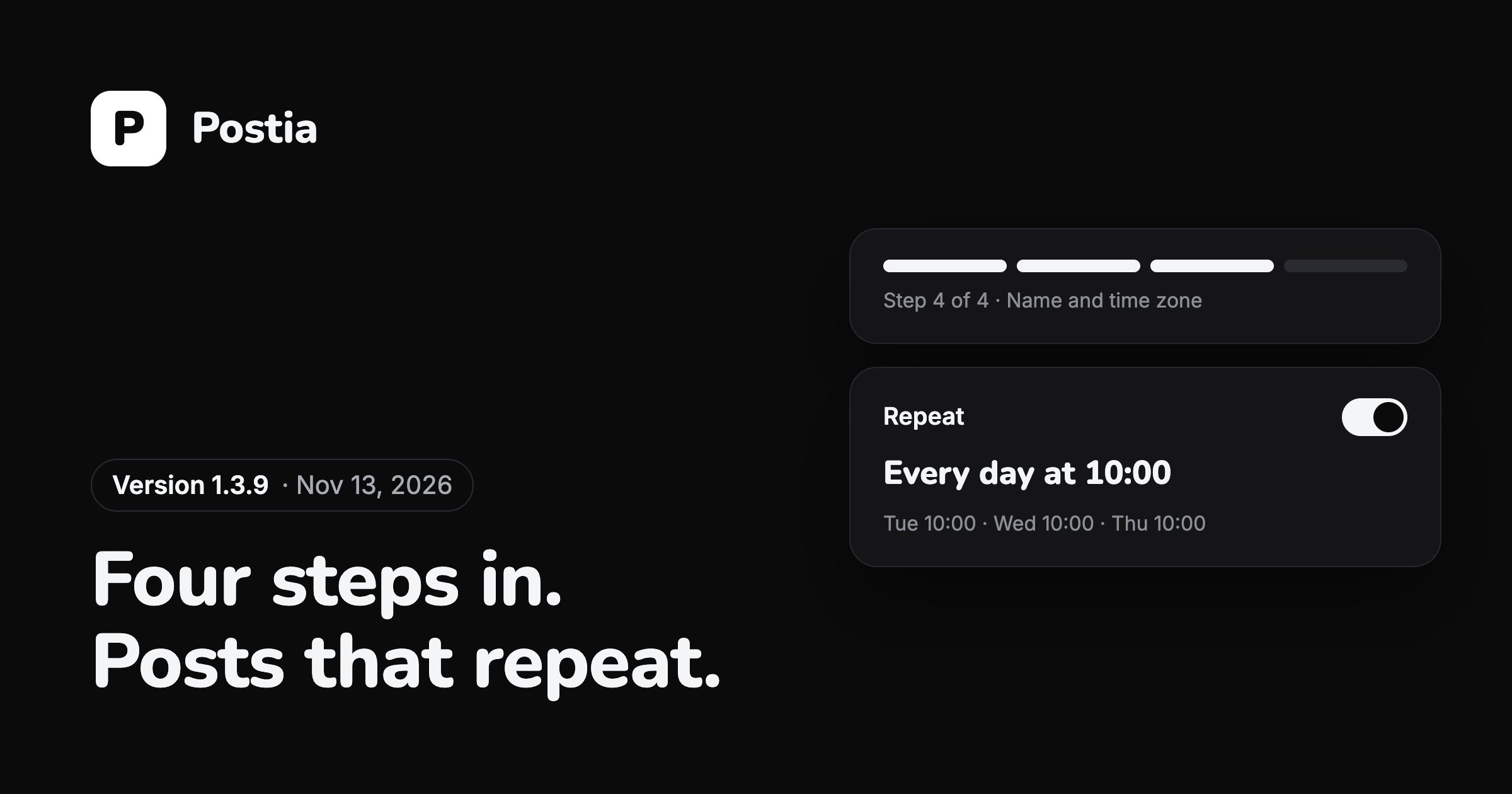
The November releases, 1.3.8 and 1.3.9, rebuilt the first minutes in Postia and added posts that go out again on a schedule.
Every network is on every plan, the free one included, and the first 14 days come with all of Studio.
Open Postia