A shorter first run, repeating posts and easier video covers
The November releases, 1.3.8 and 1.3.9, rebuilt the first minutes in Postia and added posts that go out again on a schedule.
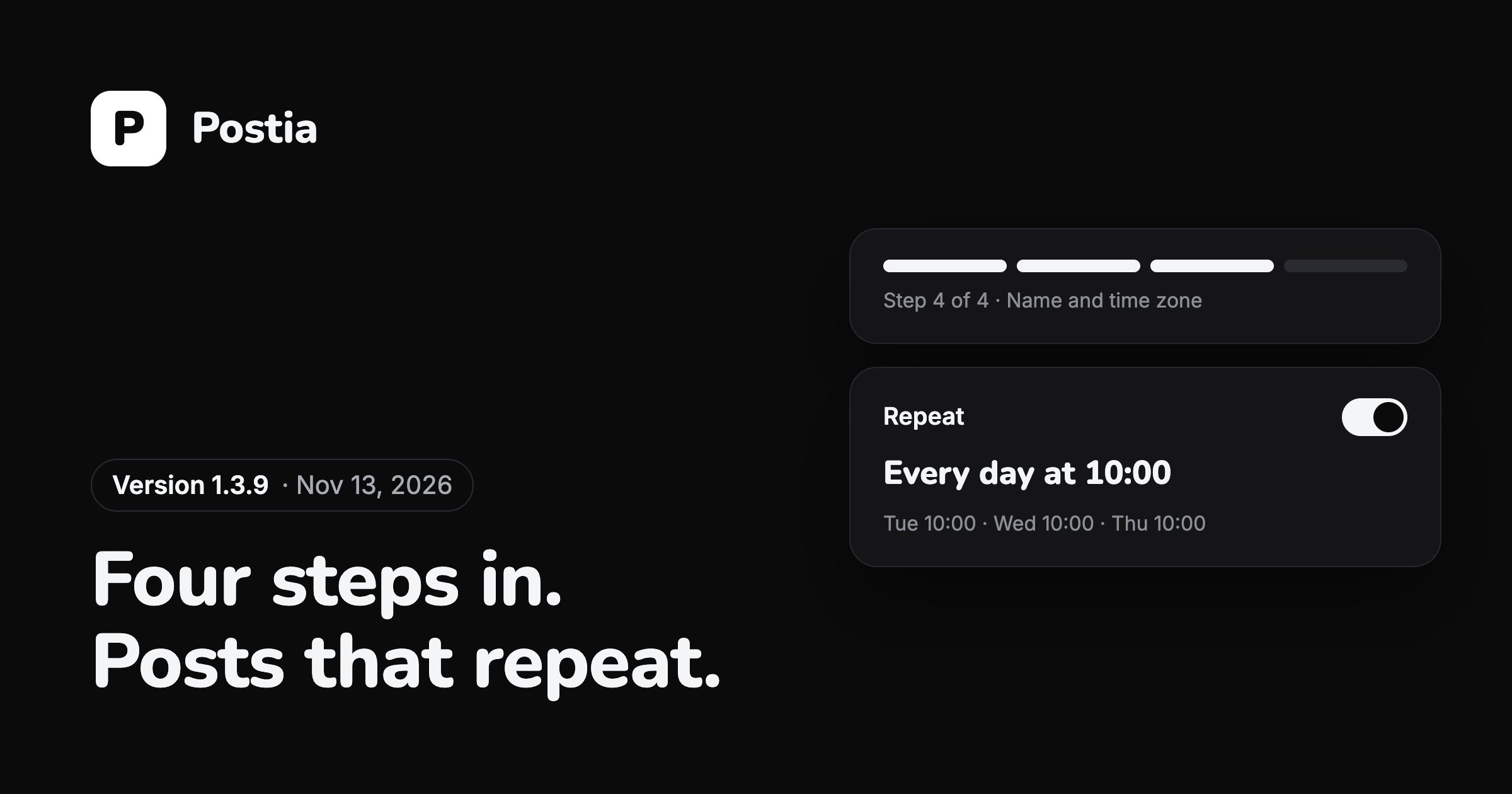
The first run is four steps
A new account now starts by writing its first post in the full composer, the same one used every day after. Then it connects a network and ticks it, picks a time, and finally gives its name and time zone.
The welcome screens that only explained things are gone. By the end of the first run there is a real post in the queue, waiting for the time you chose.
Repeat a post
A scheduled post can now repeat every few days, weeks or months at the same time. The composer says it in plain words, such as "Every day at 10:00", and lists the next three sends.
Each repeat is a copy scheduled when the previous one goes out, so every send has its own result and its own statistics. A scheduled post can be edited in place, and Stop repeating ends the series without touching what was already sent.
Several posts can also take turns in one repeating slot, which suits a weekly digest or a rotating offer.
Video covers in fewer taps
A video's cover is picked next to the video itself: choose a frame or upload your own picture. Instagram, TikTok and Pinterest get it as the cover, YouTube as the thumbnail, Cuts as the artwork.
Google Drive, sorting and history
Files attached from Google Drive are fetched again when a post is reused, so an old post can be sent once more without uploading anything.
Disconnecting a channel no longer erases what was published to it. Its posts stay in the history and in Analytics.
Questions
How do I make a post repeat?
Pick a date and time in the composer, then turn on Repeat and choose how often: every day, every few days, weekly or monthly. The next three sends are listed under the switch.
Can I change a repeating post after it starts?
Yes. Edit the scheduled post and the change applies to the sends still to come. Stop repeating ends the series; what already went out stays published.
More news
Posting to TikTok while the review is on
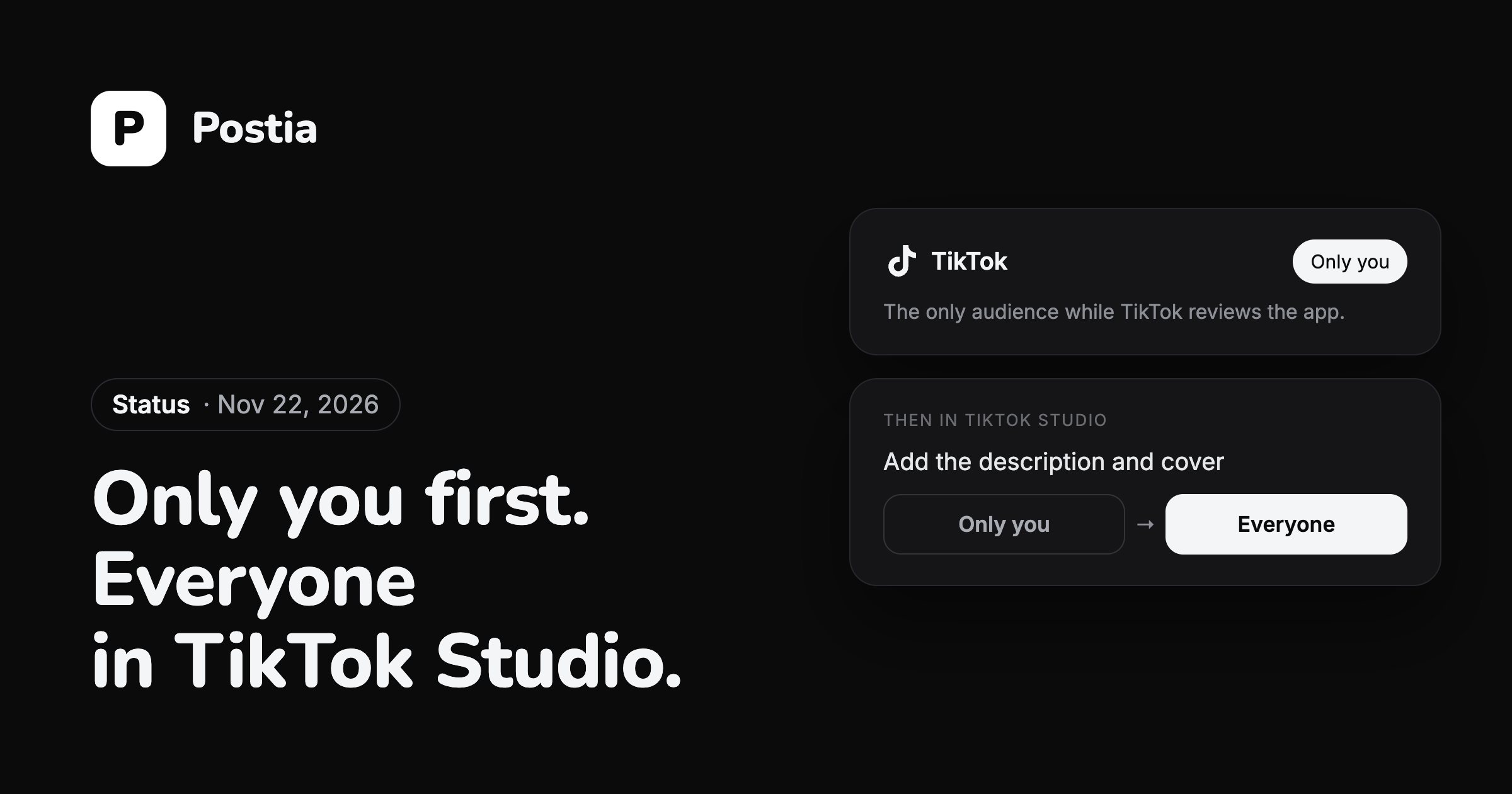
TikTok lets an app it has not reviewed yet post only with the audience set to Only you. So a video still gets from Postia to TikTok, and you make it public yourself in a few taps.
Team workspaces, roles and post approval
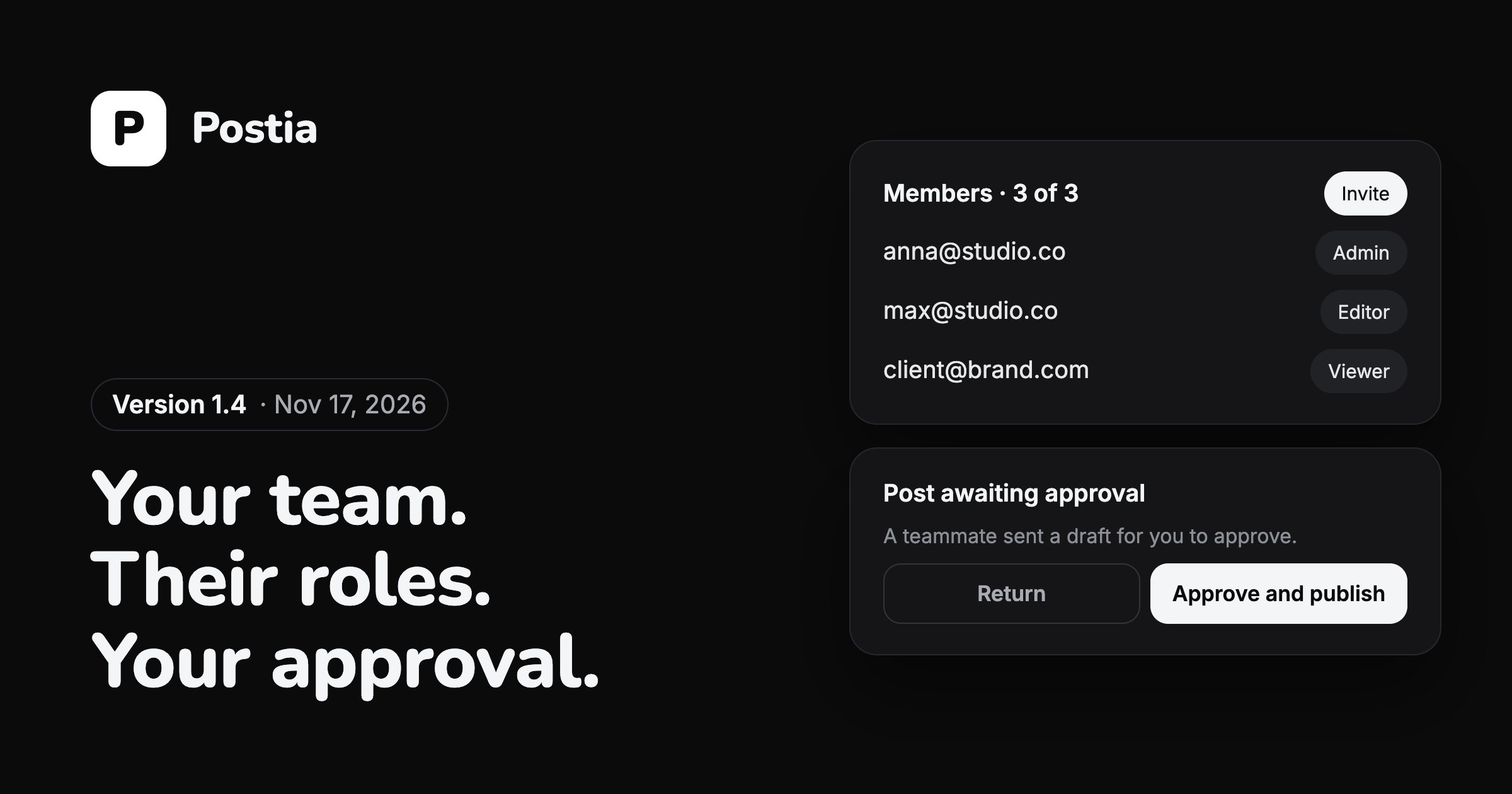
Version 1.4 lets several people run the same channels. The owner invites the team, gives each person a role and decides who sends posts out.
TikTok is paused while TikTok reviews Postia
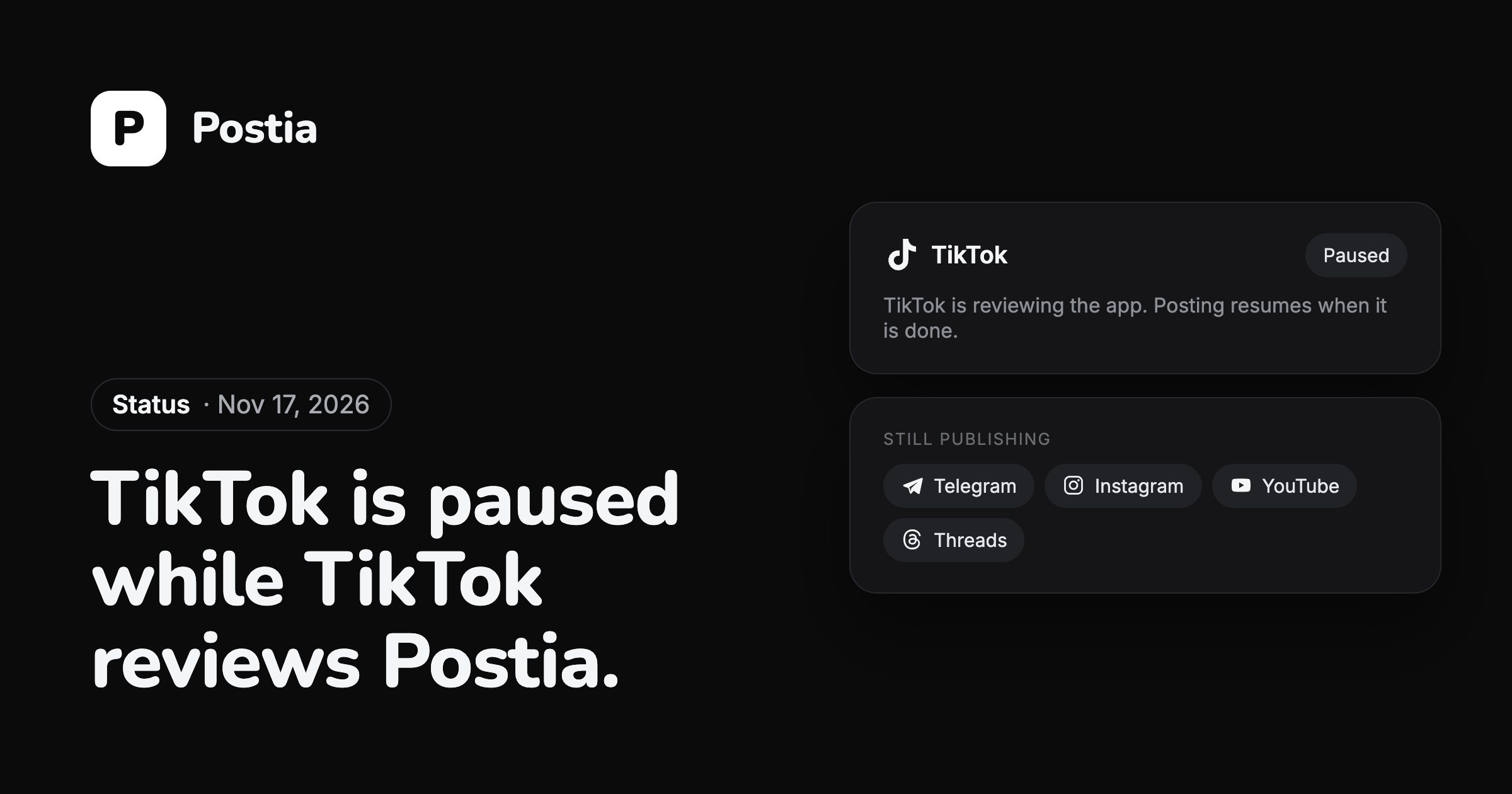
For now you cannot connect a TikTok account or publish to TikTok from Postia. TikTok is reviewing the app on its side, and the pause ends when that review is done.
Every network is on every plan, the free one included, and the first 14 days come with all of Studio.
Open Postia