Team workspaces, roles and post approval
Version 1.4 lets several people run the same channels. The owner invites the team, gives each person a role and decides who sends posts out.
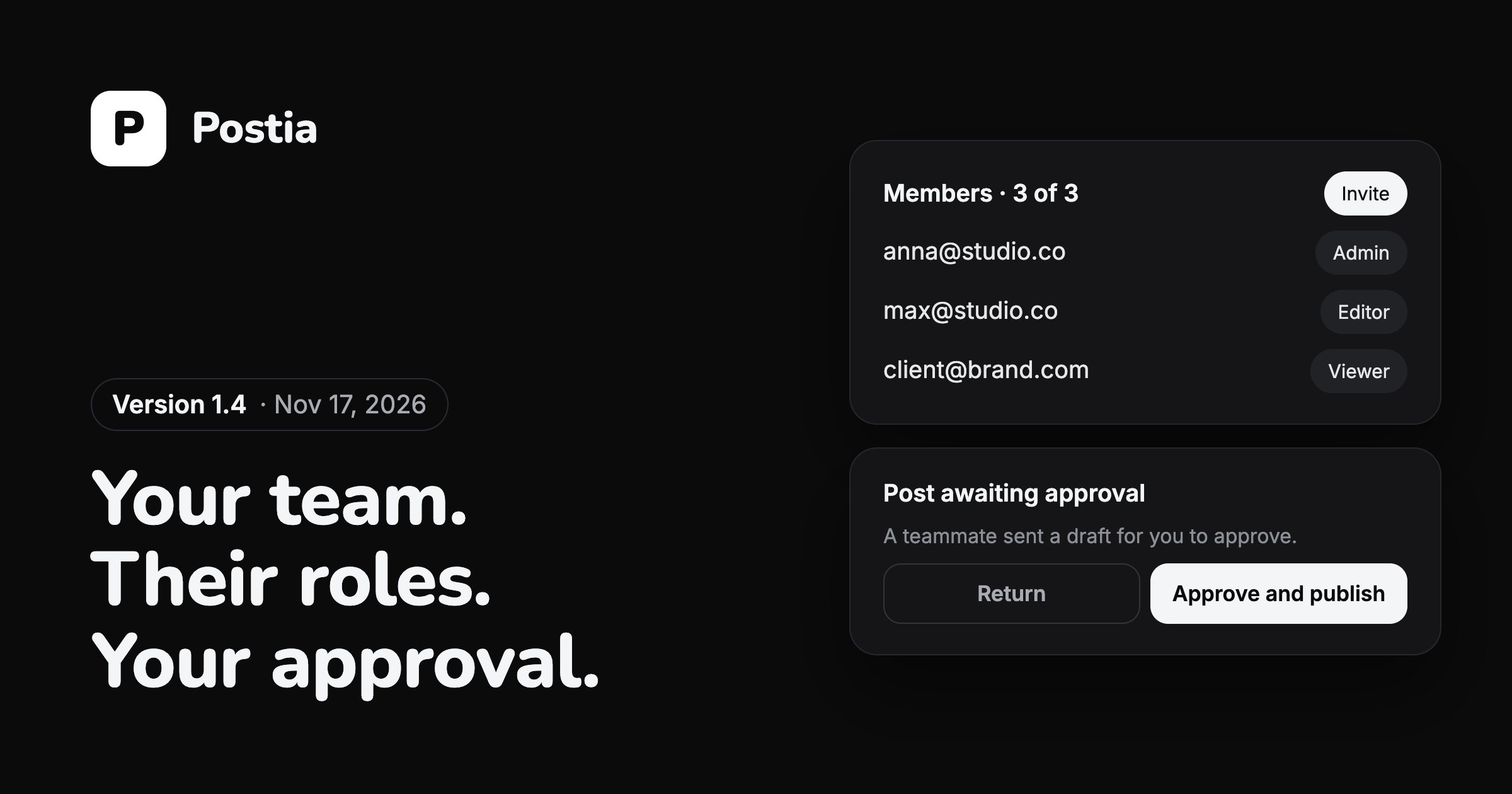
A workspace for the whole team
Studio and Agency now come with a team workspace. Studio holds up to three teammates besides the owner, and Agency has no limit. Free and Solo stay single-user, and the prices have not changed.
The owner invites people by email from the Team page. Everyone works on the owner's channels and within the owner's plan, and billing stays with the owner. Someone invited to several workspaces switches between them from the account menu.
Four roles
Each teammate gets one role. Admin can do everything except billing. Editor writes, schedules and publishes. Contributor writes drafts for somebody else to send. Viewer sees posts and analytics and changes nothing.
A teammate can work with all channels, including ones connected later, or only with the ones you pick, such as the accounts of one client. Only the owner and admins manage the team.
Drafts go out after approval
A contributor finishes a post and taps Send for approval, with an optional note for the reviewer. Whoever can publish gets a notification, opens the draft and chooses Approve and publish or Approve and schedule.
The author sees the post as Waiting for approval and hears back when it is approved or returned. Nothing reaches a channel without a person who is allowed to send it.
Network settings in one place
Each picked network now has a folding settings section right under it in the composer, instead of a separate screen behind a gear. It can apply to all of the network's accounts or to one of them.
The section leaves out what the composer already decides for the whole post: the video cover, polls, place, who can reply, spoiler and the AI and partnership labels. Those stay next to Attach, set once for every network.
Questions
Which Postia plans include teams?
Studio and Agency. Studio has room for three teammates besides the owner, Agency for any number. See pricing for the plans.
Does each teammate need their own subscription?
No. Teammates work within the owner's plan and on the owner's channels, and only the owner pays.
Can I let a client see posts without changing anything?
Yes. Invite them as a Viewer and limit them to their own channels. They see the posts and the analytics and cannot edit or send anything.
More news
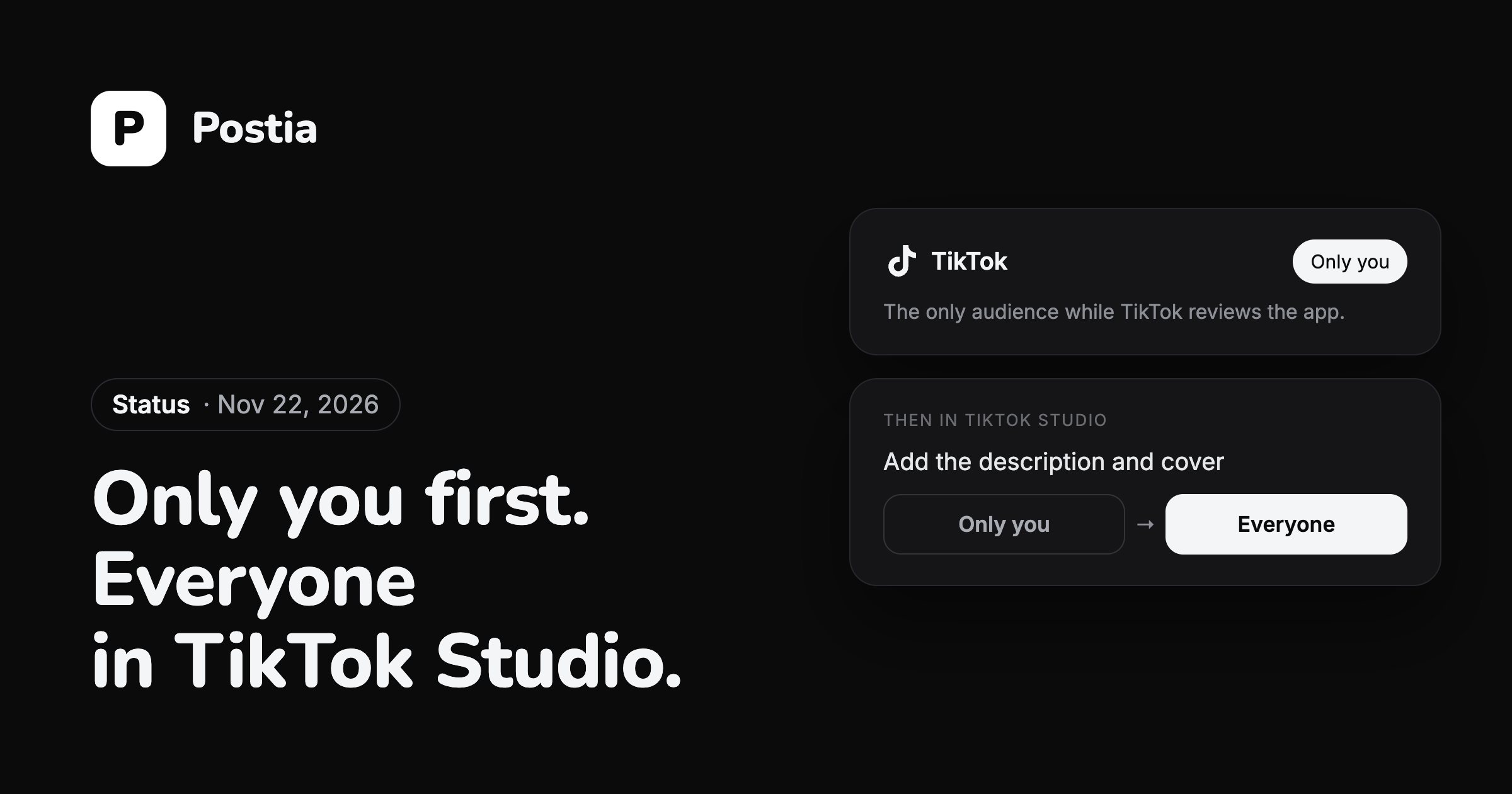
Posting to TikTok while the review is on
TikTok lets an app it has not reviewed yet post only with the audience set to Only you. So a video still gets from Postia to TikTok, and you make it public yourself in a few taps.
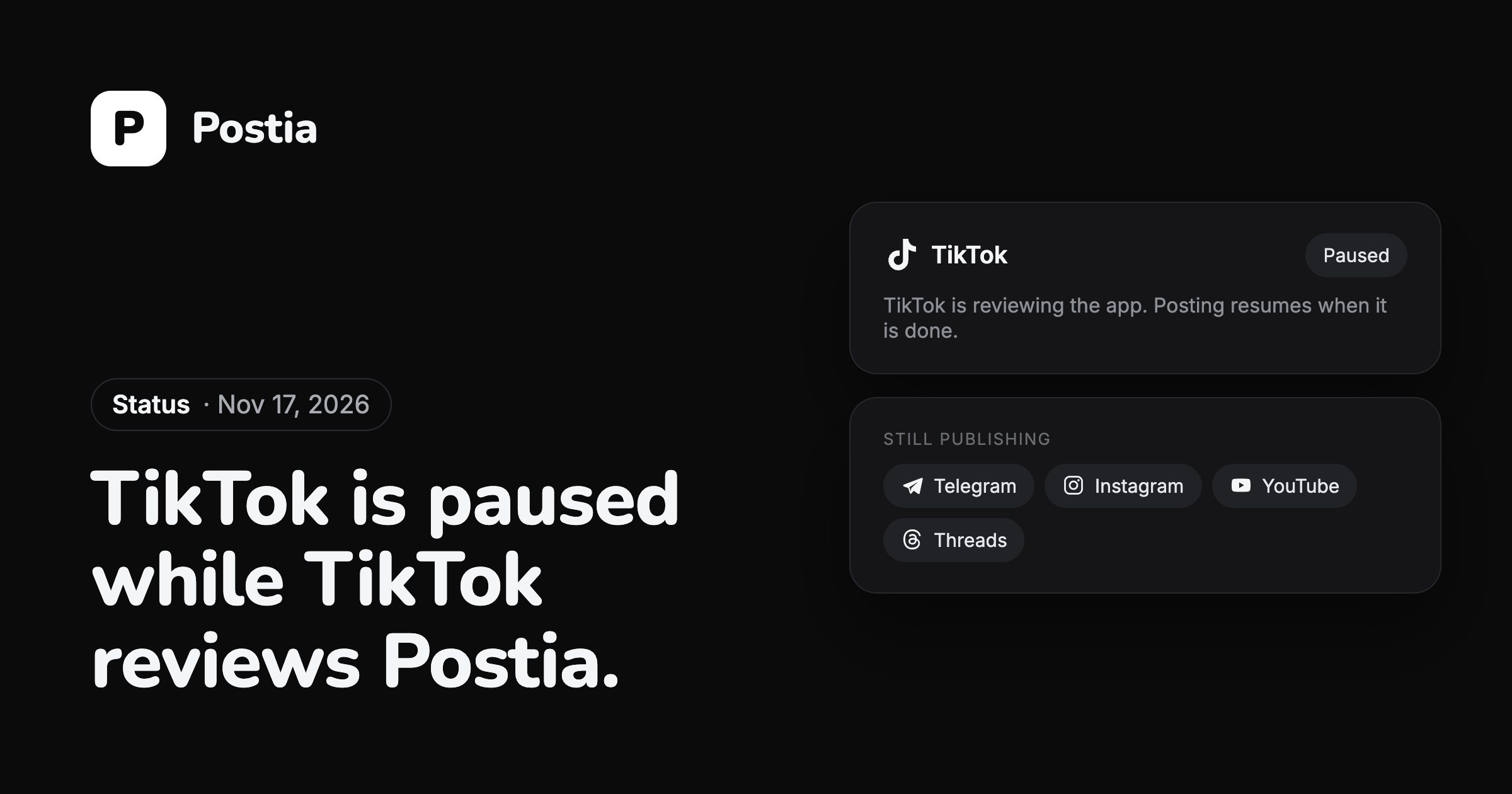
TikTok is paused while TikTok reviews Postia
For now you cannot connect a TikTok account or publish to TikTok from Postia. TikTok is reviewing the app on its side, and the pause ends when that review is done.
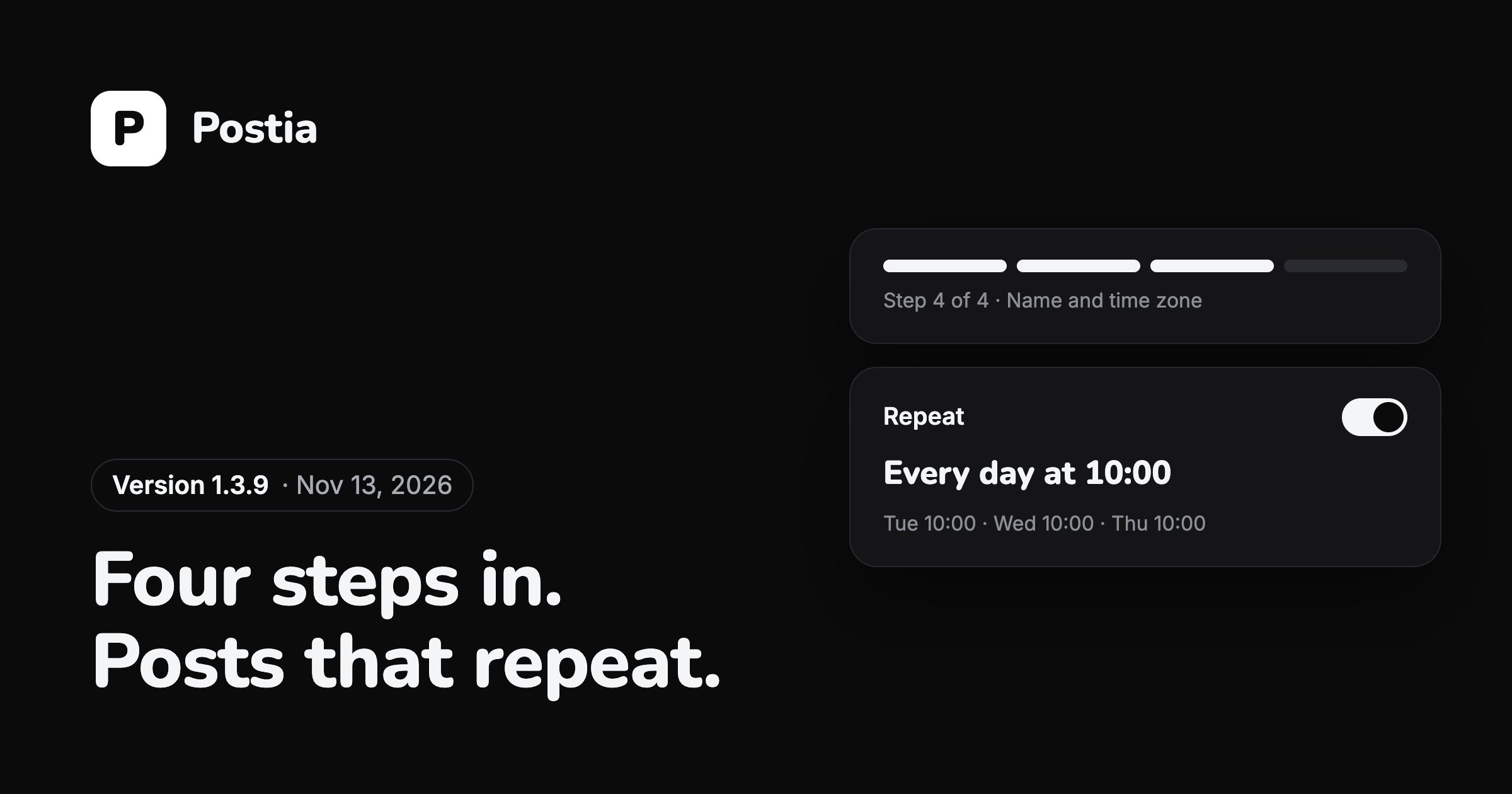
A shorter first run, repeating posts and easier video covers
The November releases, 1.3.8 and 1.3.9, rebuilt the first minutes in Postia and added posts that go out again on a schedule.
Every network is on every plan, the free one included, and the first 14 days come with all of Studio.
Open Postia