Post from Claude Code and Codex, in a simpler Postia
Version 1.3 opened Postia to AI assistants through MCP and cut the steps between signing up and the first published post.
Postia as an MCP server
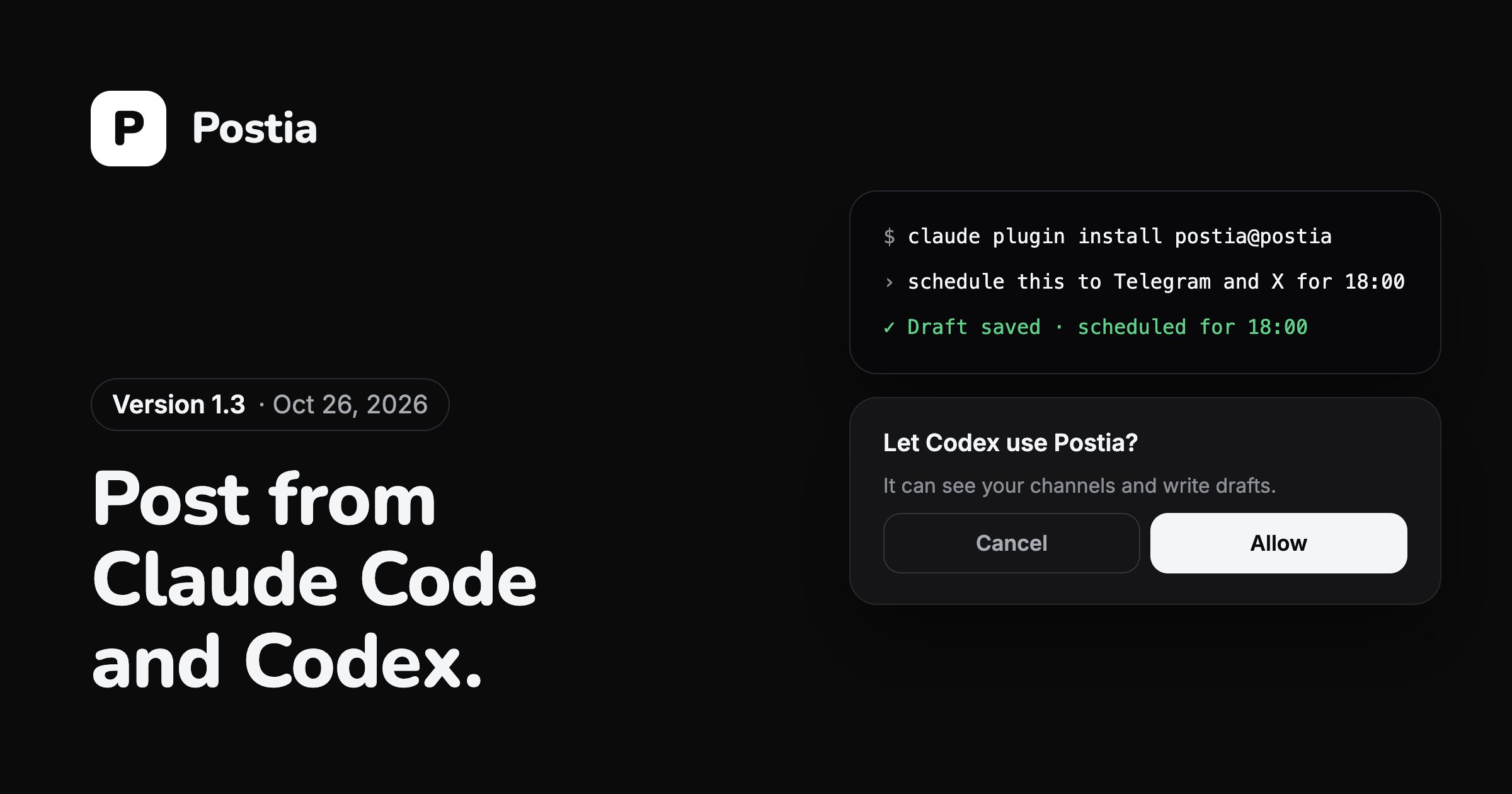
Postia now runs an MCP server at mcp.postia.app. Claude Code, Codex and any assistant that speaks MCP can see your channels, write drafts, attach pictures and video, schedule and publish. On plans with analytics they also read followers per channel and what Postia delivered.
The assistant signs in through the browser with OAuth. Postia asks whether to let it in, and it never sees your password or a key. Everything it writes is saved as a draft until it asks to publish.
Setup takes two commands with the plugins from github.com/kvlkstudio/postia-ai-plugins. The help page has them for Claude Code and Codex.
Connecting a channel
The sheet that adds a channel is now called Connect a channel, and in each group the networks that work today come before the ones marked Soon.
Telegram no longer asks you to type a channel name. Postia opens its bot, Telegram shows its own picker of your channels and groups, and the bot is added with the right permission. An own bot and typing the channel by hand are still there under Other ways.
Analytics you can click
Every number in Analytics opens the posts behind it. Skipped opens the posts that left a channel out, and a network's row opens the queue narrowed to that network.
Fewer dead ends
Before the first channel, Posts, Analytics and Send on show one card that says Connect your first channel. A post written with nowhere to go is kept as a draft rather than lost.
A day later, 1.3 also took videos up to 512 MB and alt text for every picture.
Questions
Can the assistant publish without asking?
Everything it writes is saved as a draft. It publishes or schedules only through a separate tool, and the plugin tells it to show you the post and ask first.
How do I disconnect an assistant?
In Postia open Settings, then Account, then AI assistants, and press Disconnect. Its access stops at once.
More news
Posting to TikTok while the review is on
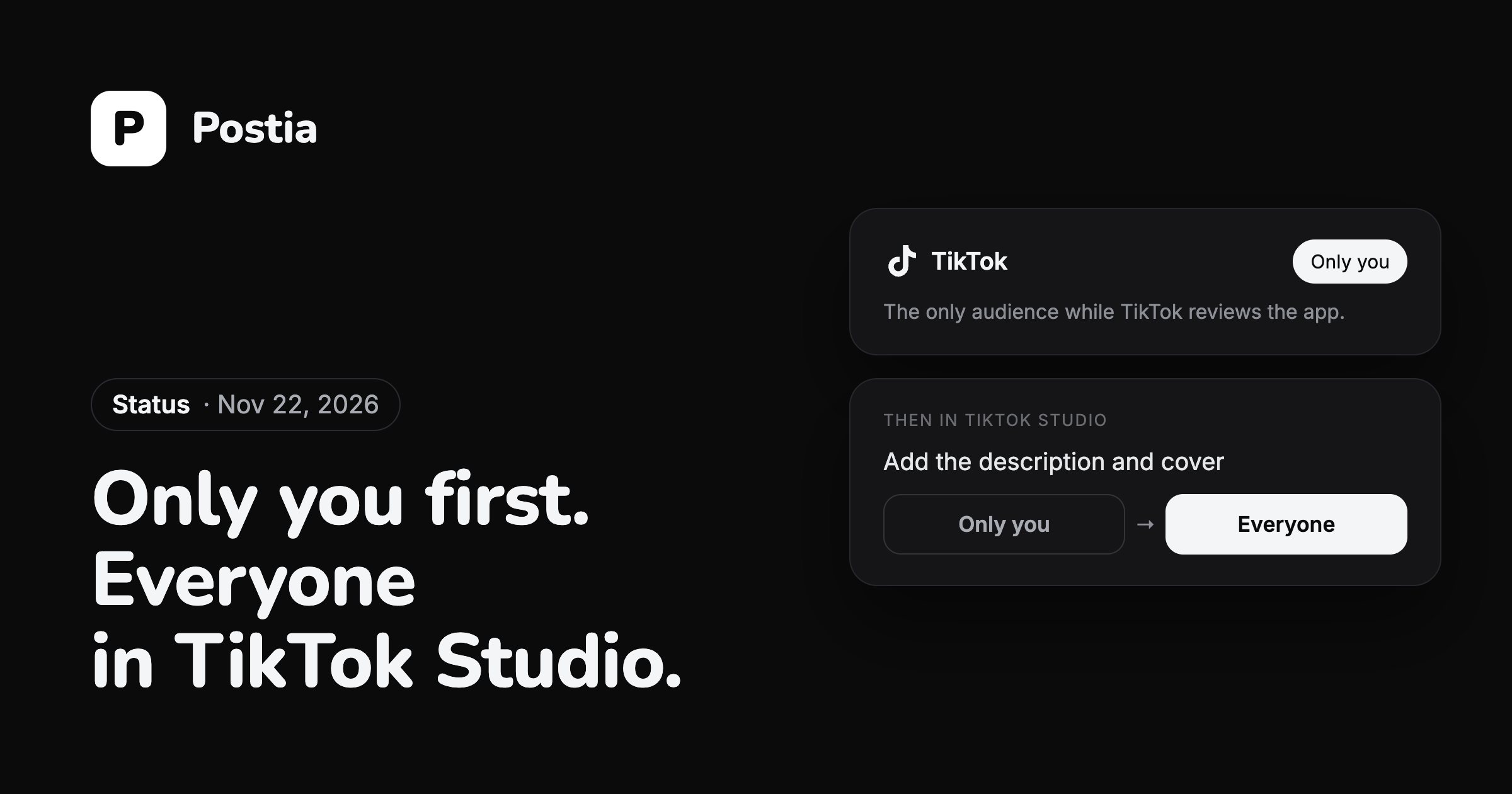
TikTok lets an app it has not reviewed yet post only with the audience set to Only you. So a video still gets from Postia to TikTok, and you make it public yourself in a few taps.
Team workspaces, roles and post approval
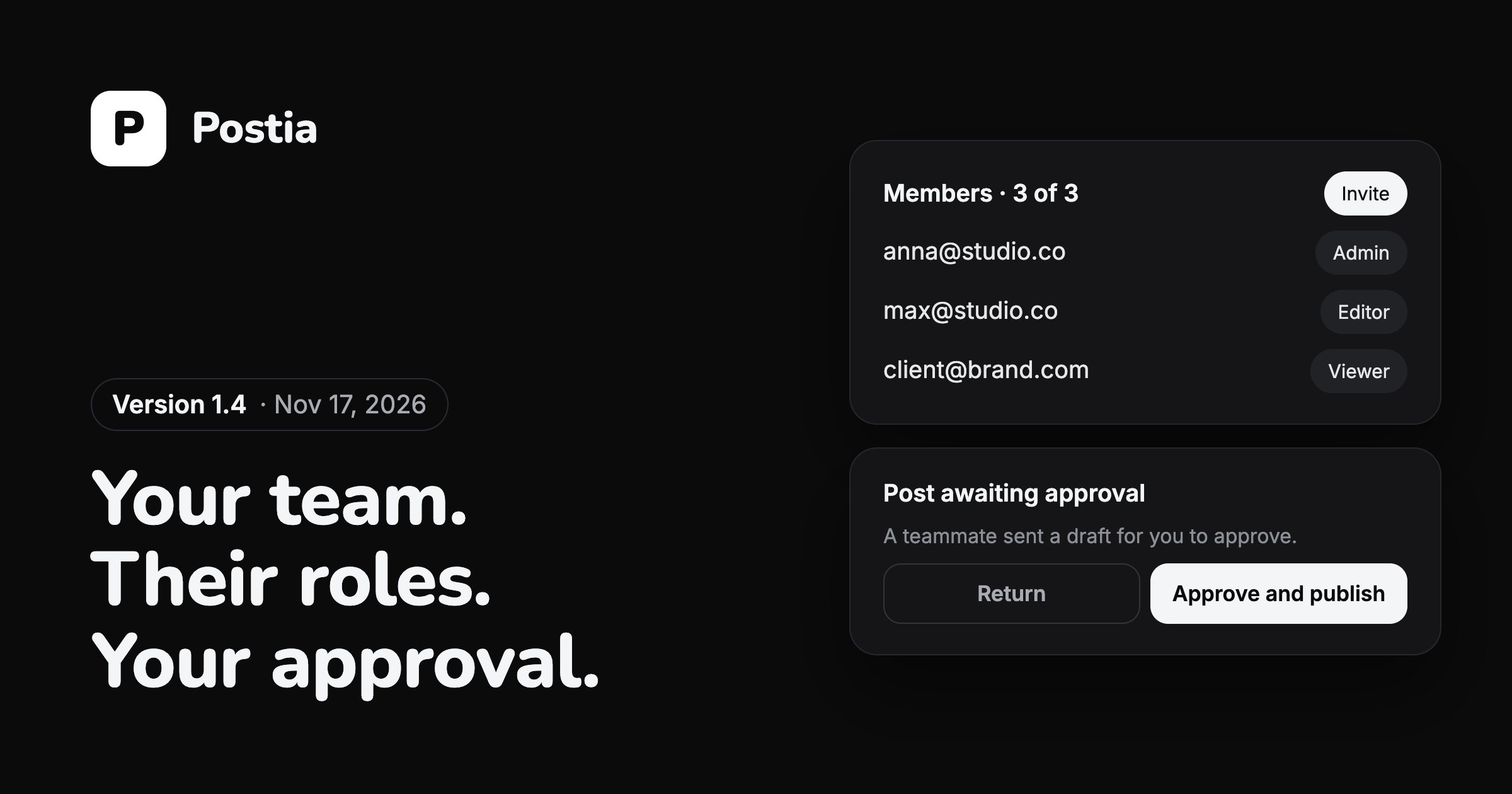
Version 1.4 lets several people run the same channels. The owner invites the team, gives each person a role and decides who sends posts out.
TikTok is paused while TikTok reviews Postia
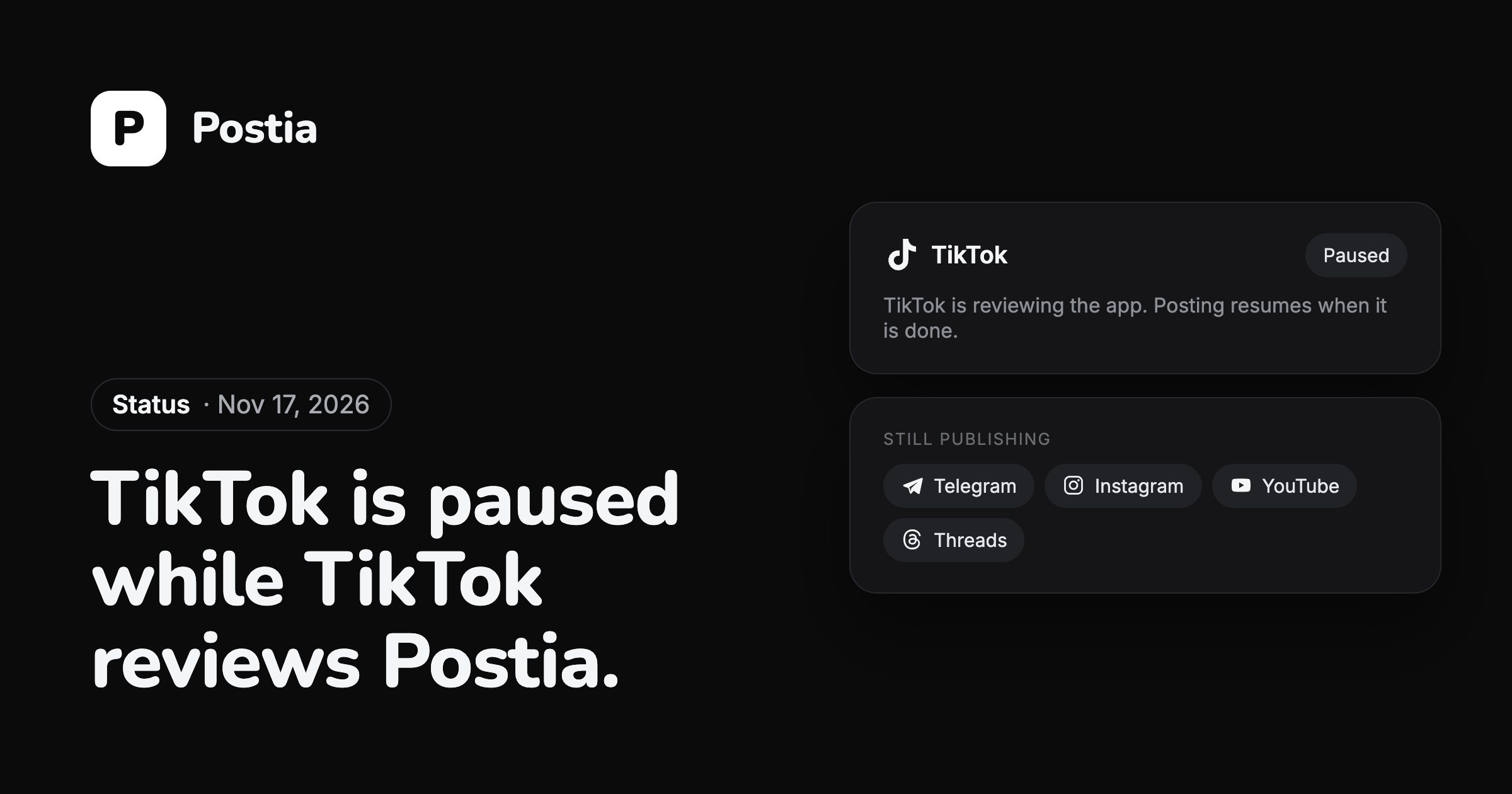
For now you cannot connect a TikTok account or publish to TikTok from Postia. TikTok is reviewing the app on its side, and the pause ends when that review is done.
Every network is on every plan, the free one included, and the first 14 days come with all of Studio.
Open Postia